Overview
What CloseBoard is for
CloseBoard is the operator layer between incoming demand and completed work. It keeps the commercial part of the job, quote, approval, payment, and follow-up, connected to the delivery part, schedule, notes, access, and handoff.
The client-facing quote page is public. The operator dashboard is authenticated. That split is deliberate.
Core objects
What the system is built around
QuoteThe main commercial record. Holds client details, scope, pricing, deposit, notes, status, and timeline.
Client quote pageThe secure public page a client opens to review, approve, and pay.
Outbound messageAn email or WhatsApp send tied back to the quote, used for sending links, reminders, and updates.
Job handoff dataSchedule notes, access details, crew notes, and dispatch context attached to the sold work.
Operator workflow
How CloseBoard should be used
The operator flow is straightforward. Build the quote, send the client page, track whether the client approved and paid, follow up if they stall, then move the work into scheduling and delivery.
01
Create the quote
Open a new quote or update an existing lead with the details needed to make the offer clear and sendable.
- Client name
- Email and phone if available
- Service type and location
- Amount and deposit
- Notes, access details, or special expectations
02
Send the client link
Each quote can expose a secure public page. Send that link to the client instead of sending screenshots or manually retyping the offer.
- Use the client’s preferred channel when possible
- Resend the same link if the client loses it
- Keep the quote clean before sending, bad details create bad follow-up
03
Track approval and payment
Do not treat approval and payment as the same thing. The commercial state of the quote changes in stages.
sent, the client received the linkapproved, the client accepted the quotedeposit_paid, money landed and the booking is commercially real
04
Follow up if the quote stalls
If the client does not move, use CloseBoard to send the next touchpoint instead of letting the quote drift into random chats.
- If they have not approved, resend the link and restate the next action
- If they approved but did not pay, remind them that payment secures the booking
- If they ask a question, update the quote if needed, then resend the link
05
Confirm schedule and handoff
Once payment lands, the quote should move toward execution. Confirm timing, access details, and internal notes so delivery is not working from scraps.
- Confirm day and time window
- Store access details and schedule notes
- Attach crew or dispatch context if relevant
Status model
How to think about quote states
DraftStill being prepared. Not ready to send.
SentClient has the quote link. Waiting for review or response.
ApprovedClient accepted the quote, but payment may still be outstanding.
Deposit paidCommercial commitment is real. This is the handoff point toward booking and delivery.
Follow-up dueThe quote needs operator attention because the client has stalled or gone quiet.
Completed or resolvedThe job finished, or the issue around it has been handled.
Suggested daily routine
How an operator can use it day to day
MorningCheck new leads, finish draft quotes, and send anything ready to go.
MiddayReview approved-but-unpaid quotes and send follow-ups where needed.
AfternoonMove paid quotes into scheduling and confirm any missing delivery details.
End of dayLeave clean notes and queue the next follow-up instead of trusting memory.
Reference screens
Live screenshots
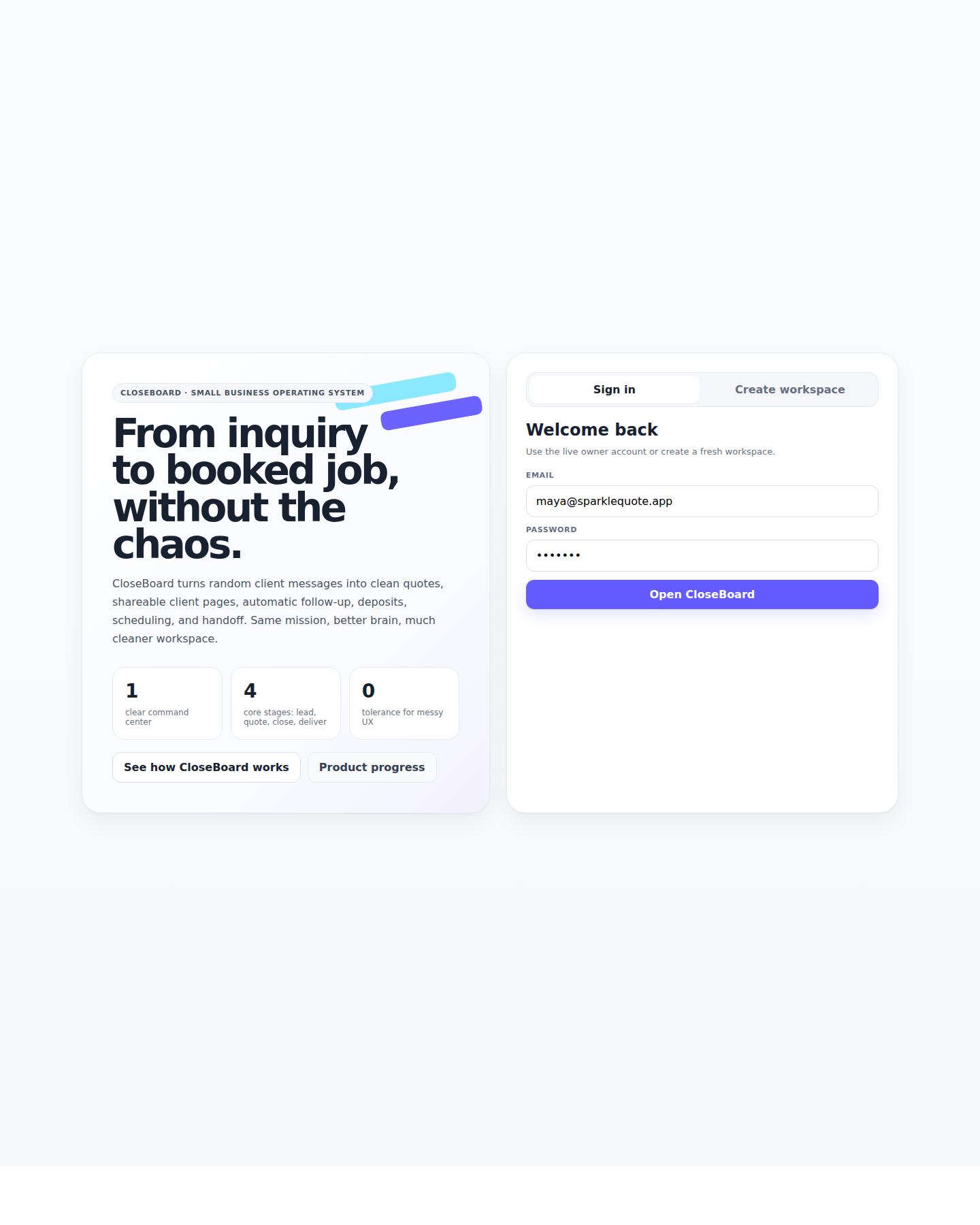
Homepage
The public-facing product page.
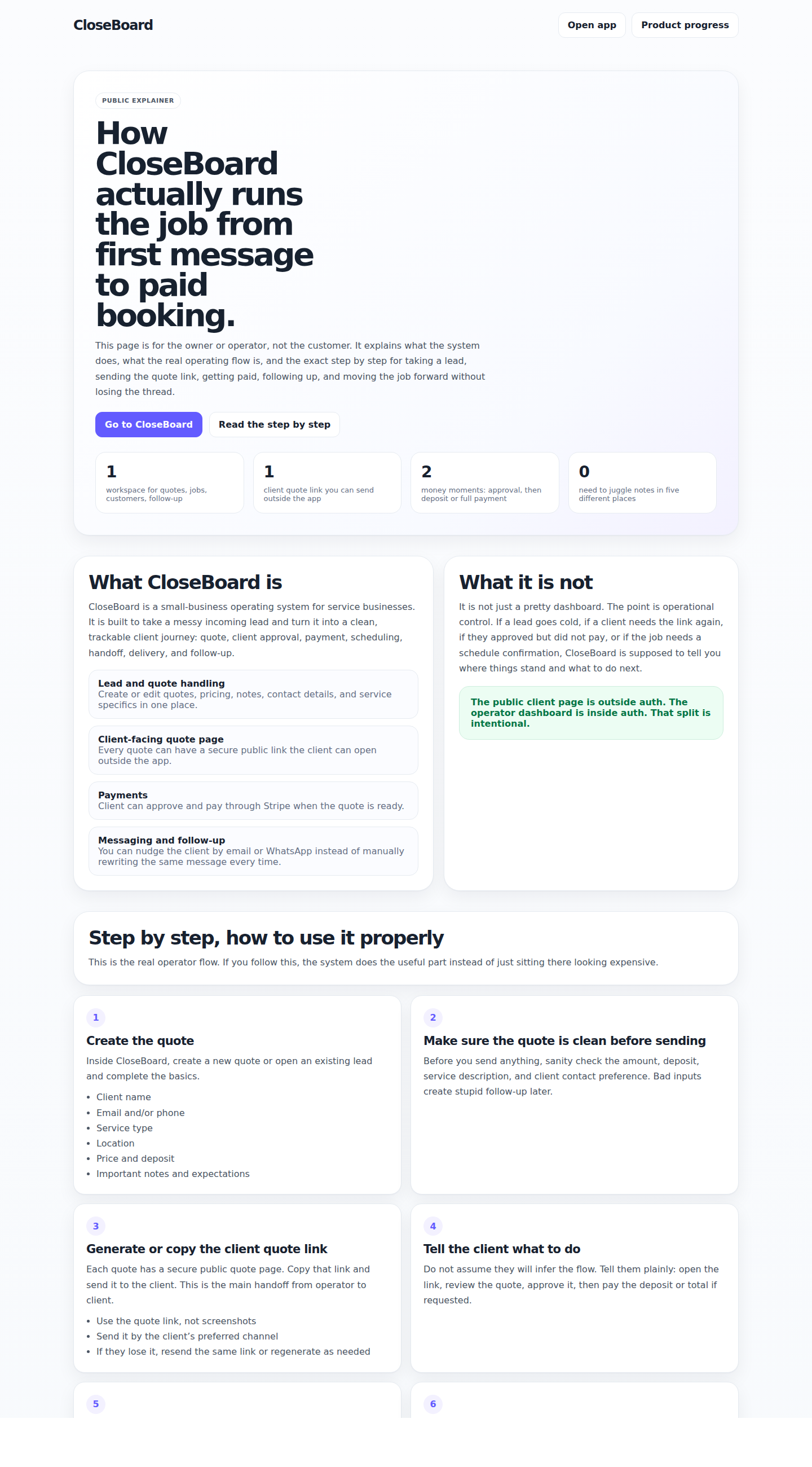
Docs page
This documentation page in its public form.
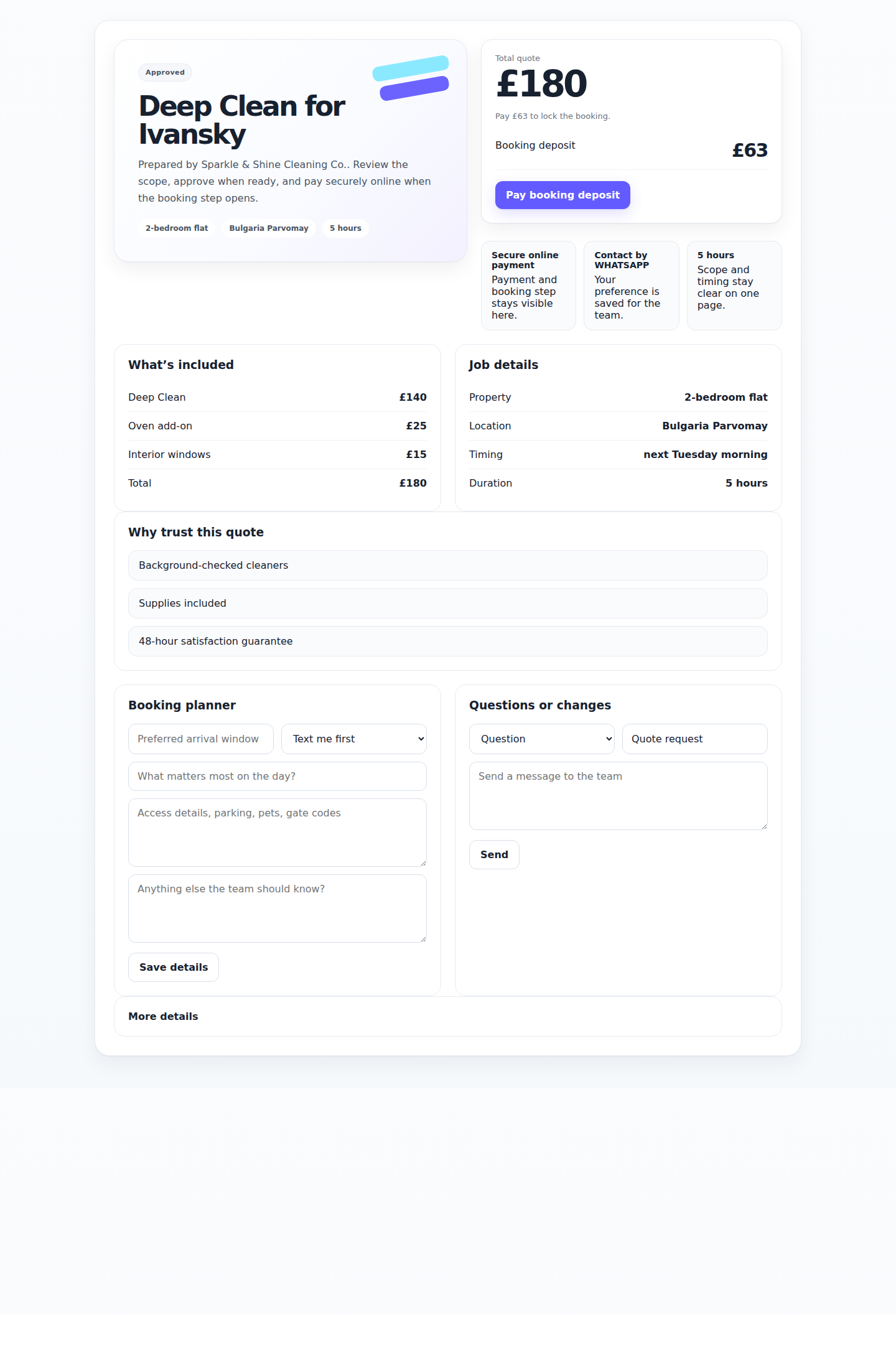
Client quote page
The page the client uses to review, approve, and pay.
FAQ
Common questions
What link should I send the client?
Send the secure quote link from that quote record. That is the intended client entry point.
What if the client says they did not receive it?
Resend by the same channel or switch channel. Email and WhatsApp both matter because clients do not all answer in the same place.
What if the client approved but did not pay?
Treat it as an active follow-up state. Approval means interest. Payment means the booking is real.
Why keep this in one system?
Because the quote, payment state, client messages, and handoff notes are part of the same job. Splitting them creates avoidable mistakes.